
About Us
Meltlab DTF was built to close the gap between wholesale-level print quality and real accessibility for decorators. As commercial screen printers, we discovered direct-to-film in 2021 and immediately saw the advantage it had over traditional direct-to-garment—better quality, better value, fewer limitations.
We removed the friction: no weeding, no setup fees, just clean, high-definition transfers ready to press. Whether you’re a hobbyist or a full-scale apparel brand, Meltlab turns your digital designs into durable, wearable prints.
We’re based in Hingham, MA just outside Boston, and most orders are printed and shipped within one business day.
We are located in and ship out of Hingham MA, just outside of Boston where we can print and ship most orders within a day.
DTF Transfer Pressing Instructions Hot Peel.
Instant Hot Peel Film Made Easy!
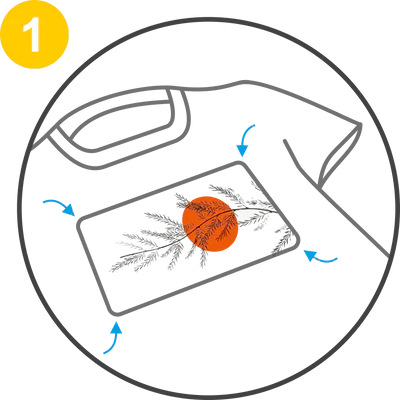
Position the Transfer
Preheat your press to 285°F.
Pre-press the material for 5 seconds.
Align the transfer to your desired location.
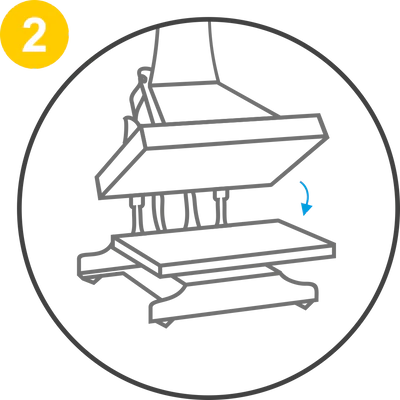
Apply Pressure
Apply medium/high pressure for 12 seconds at 285°F.
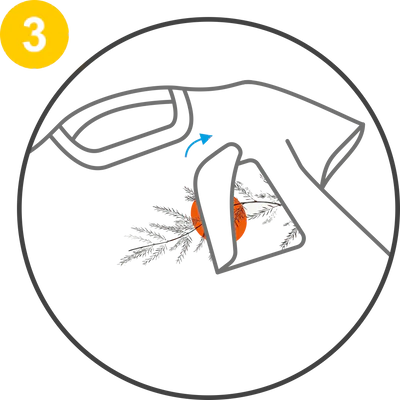
Peel Off
Effortlessly peel the transfer while hot in one smooth motion. For the second press, cover the transfer with butcher paper, Teflon, or parchment, and press for an additional 10 seconds.
Discover Your Perfect DTF Finish
Choose between the high-speed efficiency of our Hot Peel film for volume production or the superior precision of our Cool Peel film for intricate, high-detail designs.
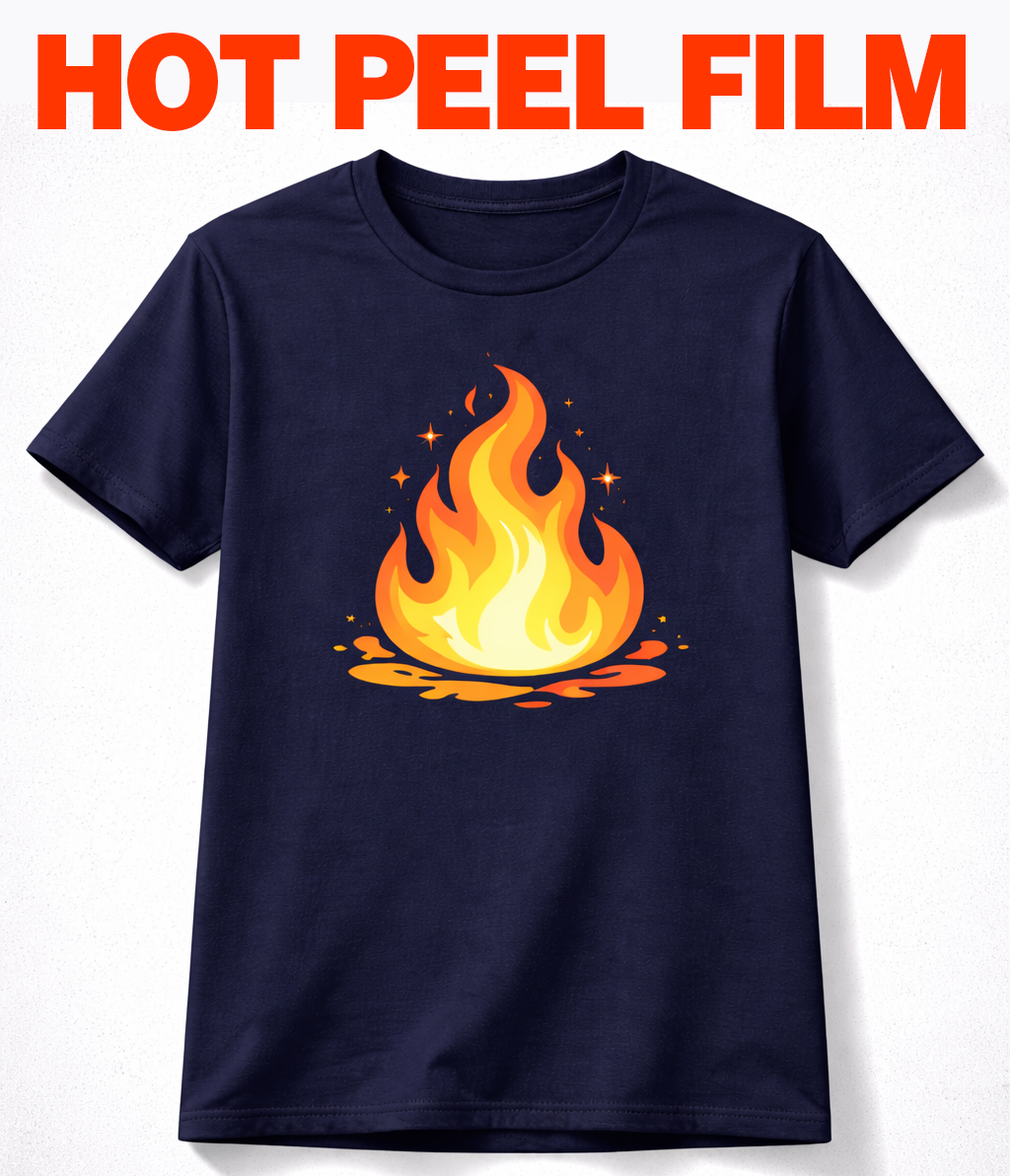
Hot Peel DTF Film
Engineered for maximum speed and high-volume production.
- Pros:
Maximum Production Speed: Peel immediately after pressing to significantly accelerate your workflow.
Ultra-Soft Hand Feel: Results in a lightweight finish that feels integrated into the fabric rather than sitting on top.
- Cons:
Glossy finish that needs post-press to flatten.
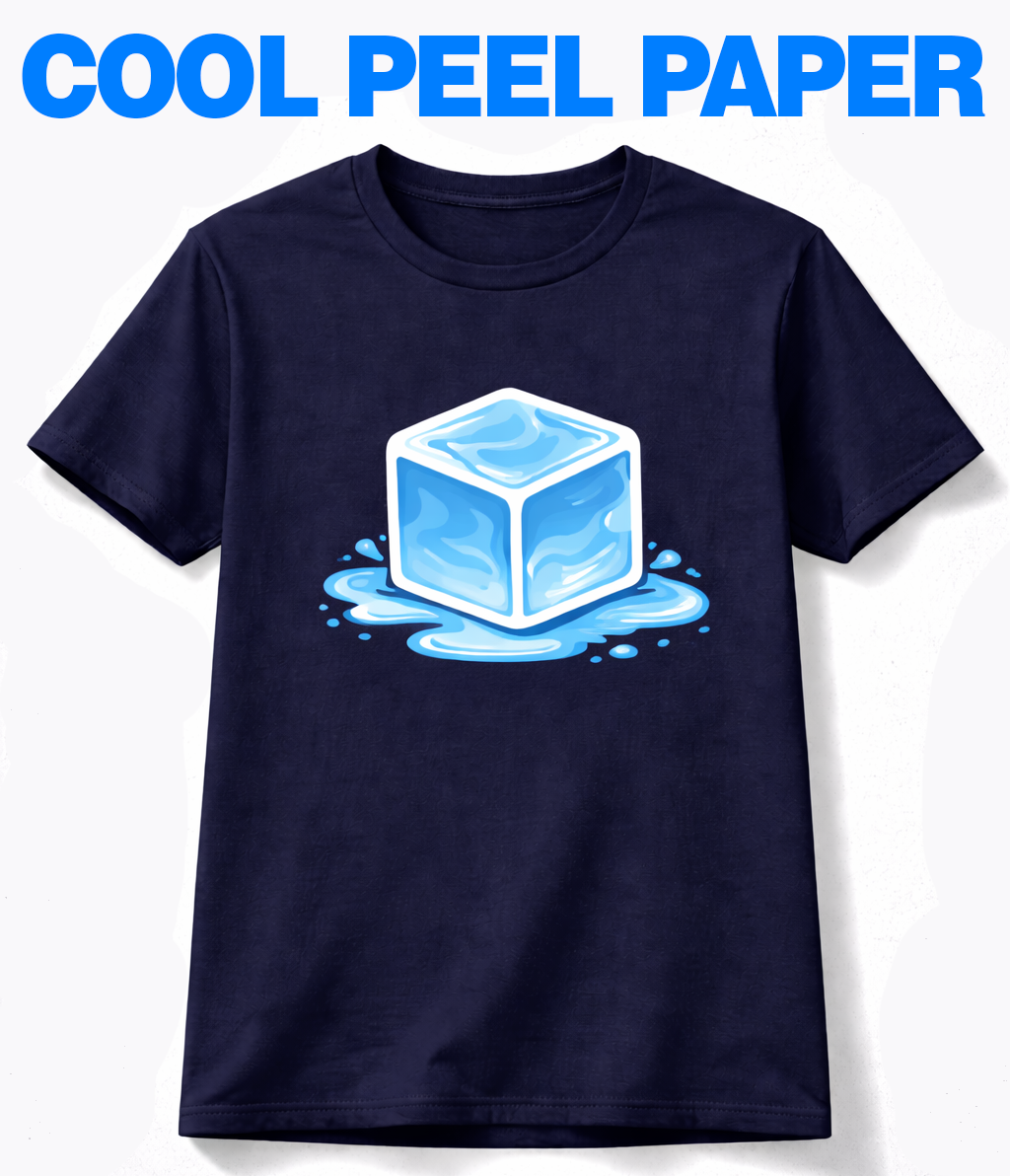
Cool Peel DTF Paper
The gold standard for intricate logos and high-detail graphics.
- Pros:
Superior Fine-Line Detail: The adhesive sets as it cools, allowing it to hold onto tiny text and complex details perfectly. - Matte texture immediately after peeling so post pressing is optional.
- Cons:
You must wait 10-30 seconds for the garment to cool before peeling.
- If you don't have a high end press it can be challenging to get a good peel
Select the DTF Product
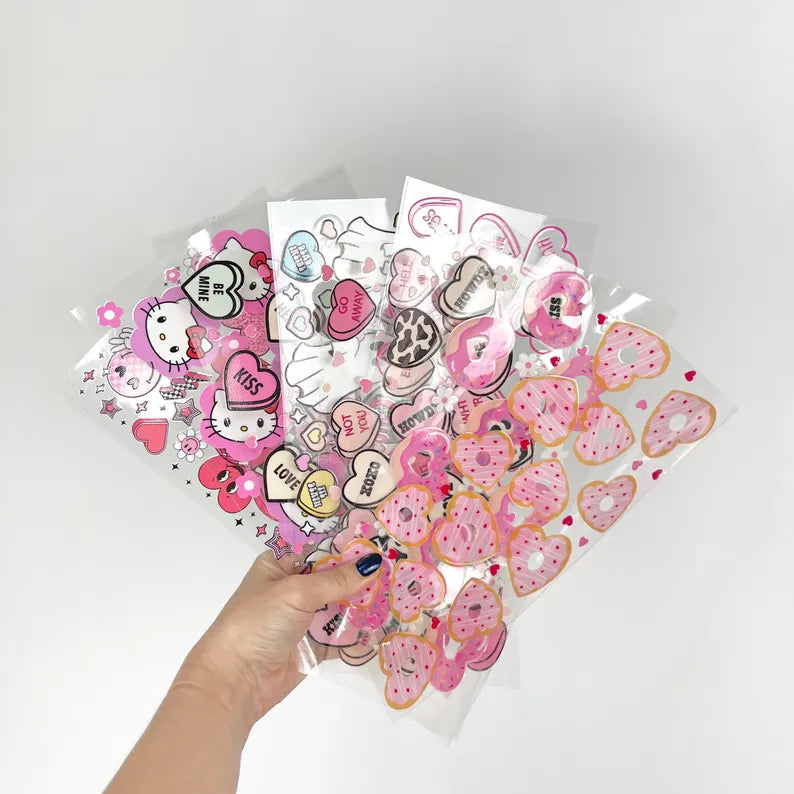
That Works Best for You

Blog posts

FAQs
What is a DTF transfer?
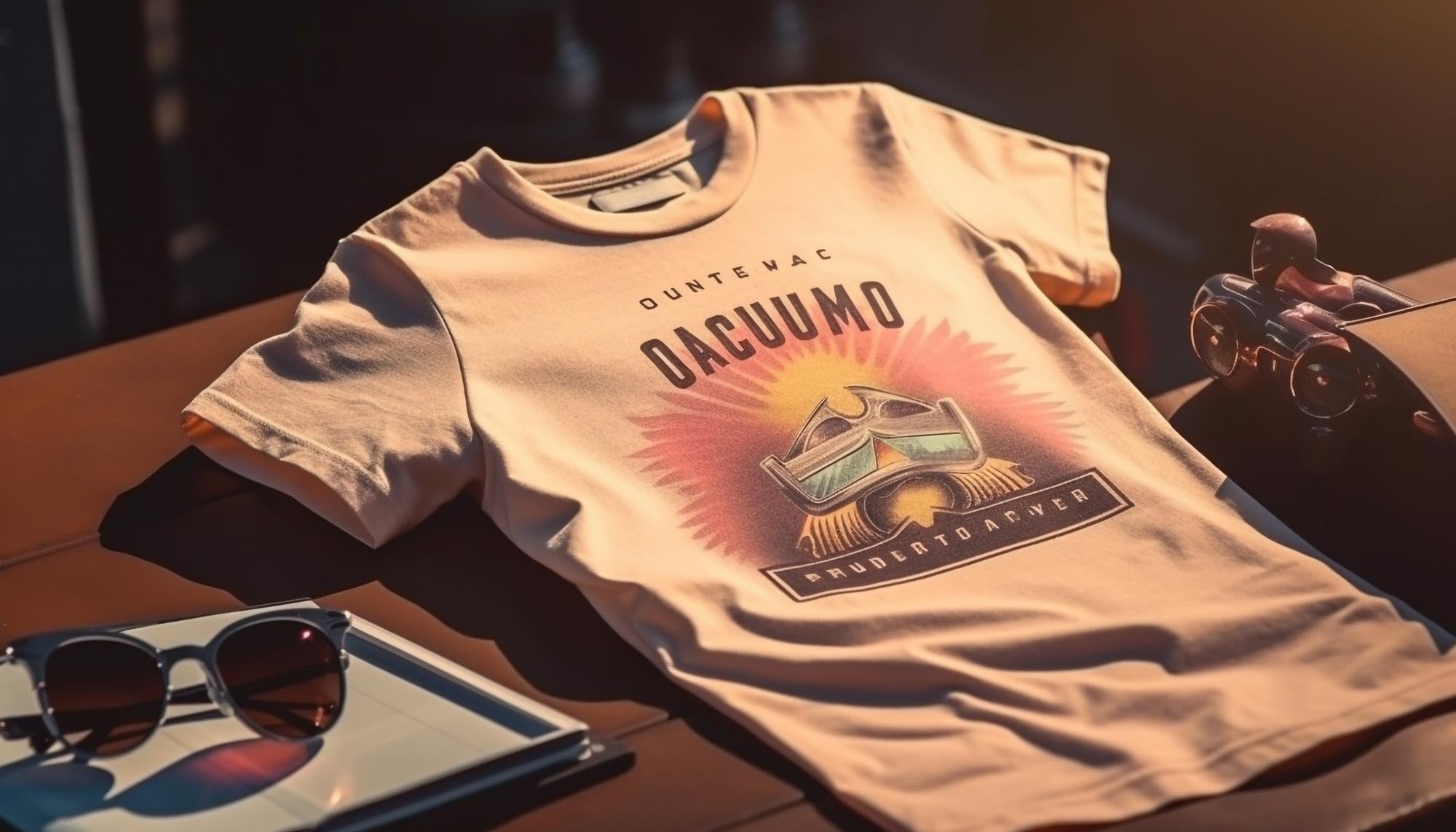
DTF, is otherwise known as Direct To Film. This printing technique involves printing any design and color directly onto a film and then transferring it to any material such as cotton, polyester and linen with a simple 15 second heat press.
What is the minimum I can order?
No Minimums! Whether you need 1 or 100,000 we can do it!
What kind of press do I need?
You can use the iron you have lying around your house or an industrial level heat press or anything in between.
How do transfers hold up in the wash?
We have vigorously tested out transfers on a variety of garments.
What file format should my artwork be?
Vector art is always preferred, raster art should be at least 300 dpi. Preferred file types: .AI, .PDF Accepted files types: .JPG, .PNG
DTF Transfer Pressing Instructions Hot Peel.
- Preheat your press to 285°F.
- Pre-press the material for 5 seconds.
- Align the transfer to your desired location.
- Apply medium/high pressure for 12 seconds at 285°F.
- Effortlessly peel the transfer while hot in one smooth motion.
- For the second press, cover the transfer with butcher paper, teflon, or parchment, and press for an additional 10 seconds.